Capture VM Forensic Image
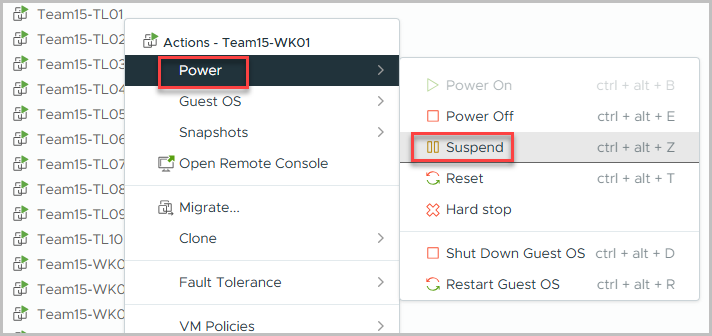
Suspend VM
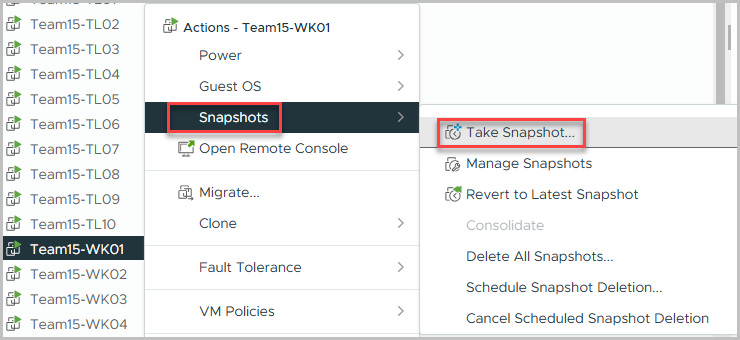
Create Snapshot
Download using CLI
-
Compress VMs for download
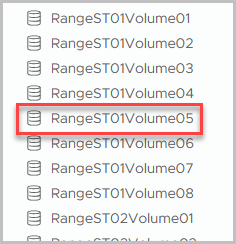
Most VMware instances use a back-end storage solution like a SAN or NAS. See VMware Storage Location for locating the datastore location.

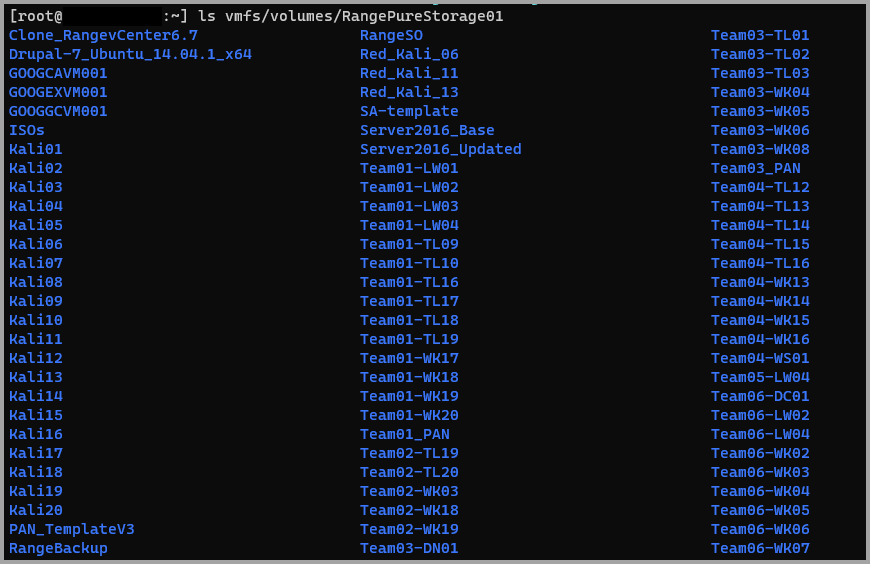
-
This command will compress the folder with the VM into a single file for download.
tar -czvf /vmfs/volumes/RangePureStorage01/Team01-LW01.tar.gz /vmfs/volumes/RangePureStorage01/Team01-LW01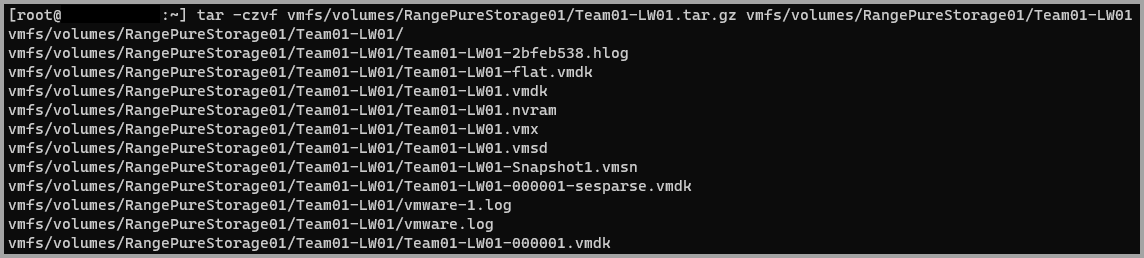
-
Compress multiple folders into a single file
-
Download files from ESXi
scp root@esxiserver.fqdn.tld:/path/to/compressed-file.tar.gz c:\localdownload\location\of\compressed-file.tar.gz
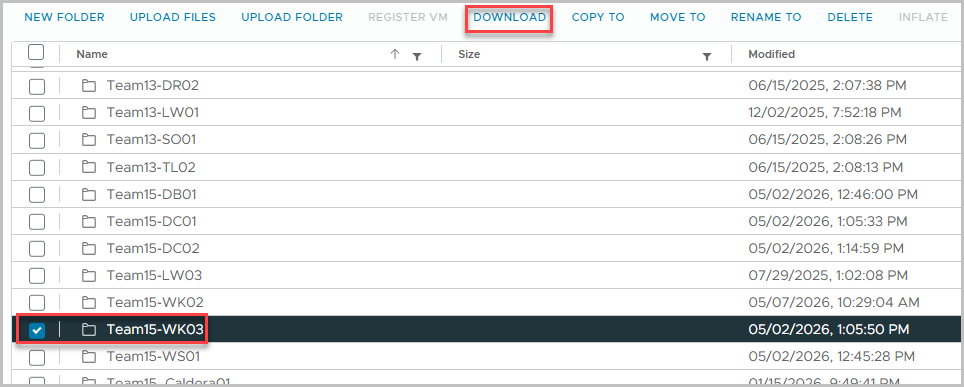
Download using WebUI